Before You Start
- Confirm you are on macOS 13+ with Apple Silicon.
- Get your output destination ready (RTMP URL/key or HLS path).
- Make sure you're converting stream that is currently live—recorded videos will not work.
 Back Channel
macOS Livestream Bridge
Back Channel turns livestreams from YouTube, Tiktok, Twitch and other video platforms into stable RTMP or HLS outputs on macOS. RTMP output uses Streamlink for source supervision and a single FFmpeg resync/transcode stage for cleaner downstream ingest.
Back Channel is a macOS app for converting livestreams into RTMP or HLS.
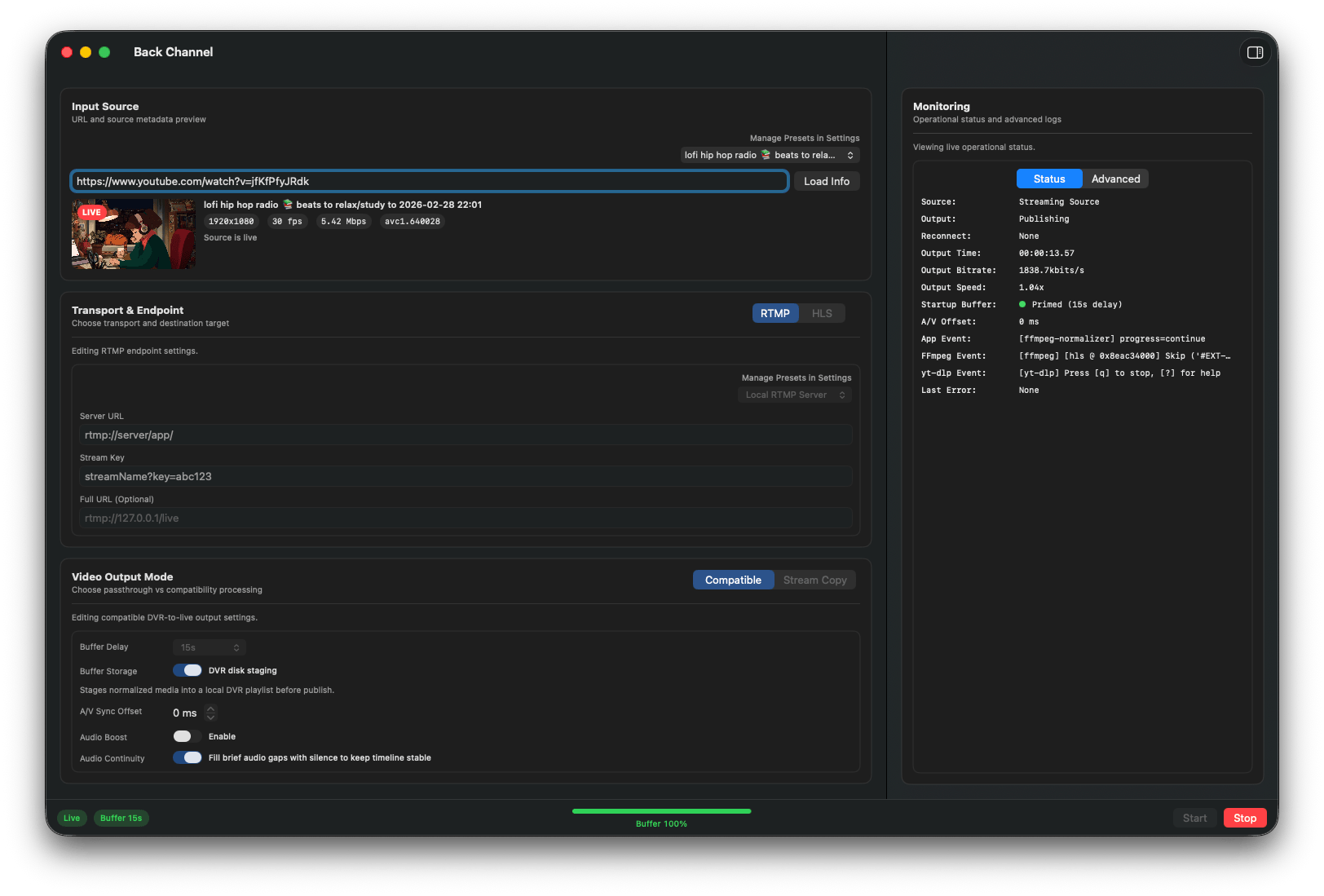
Everything you need to go from source URL to reliable output.
Use the CLI for repeatable runs, remote operation, and scripted diagnostics. It runs the same core pipeline as the app.
Run the installer included in the app bundle. By default it installs to ~/.local/bin.
"/Applications/Back Channel.app/Contents/Resources/bin/install-cli.sh"Then verify installation:
backchannel --helpbackchannel \
--source-url "https://www.youtube.com/watch?v=YOUR_ID" \
--format rtmp \
--rtmp-url "rtmp://127.0.0.1/live" \
--mode compatible \
--auto-startbackchannel ... --extended-logging true > ~/Downloads/backchannel-run.log 2>&1Early Development Warning
Back Channel is in very early development and has not been extensively tested.
Downloads are served from GitHub Releases. The button above automatically targets the latest
Back-Channel-<version>.zip asset.